
Compress video for WhatsApp on iPhone
Lean fits a video to the size you pick and shares it, right on the phone.

Four taps on iPhone
- Open the video in Lean.
- Tap Fit to a size and share.
- Pick 10, 25, 50 or 100 MB.
- Send the copy to WhatsApp, or save it to Photos.
Why not do this on the iPhone itself?
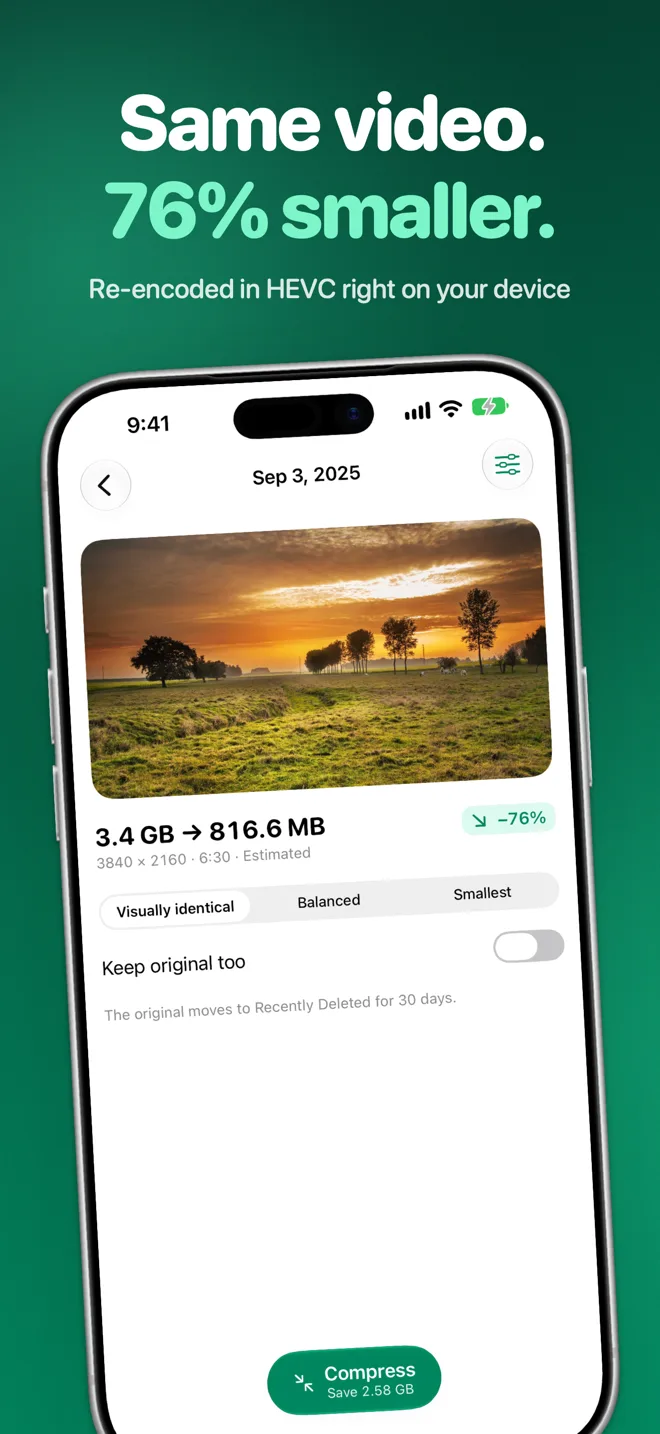
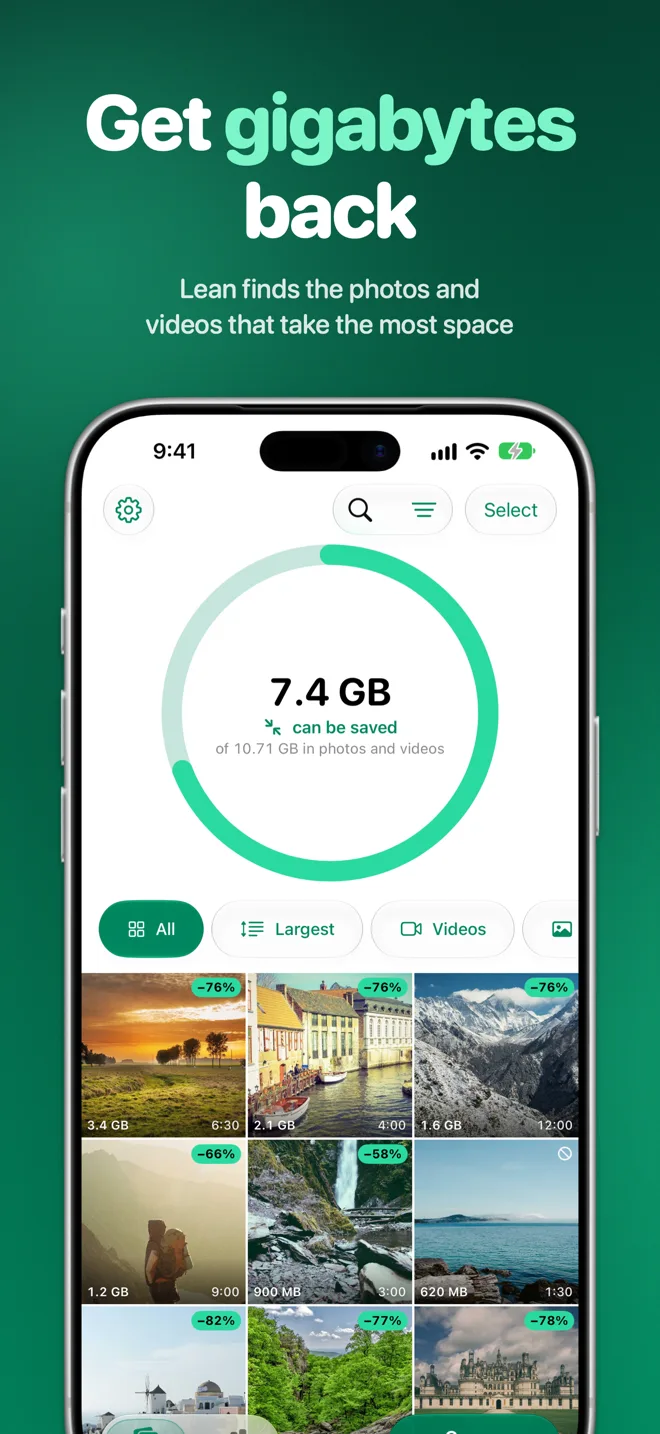
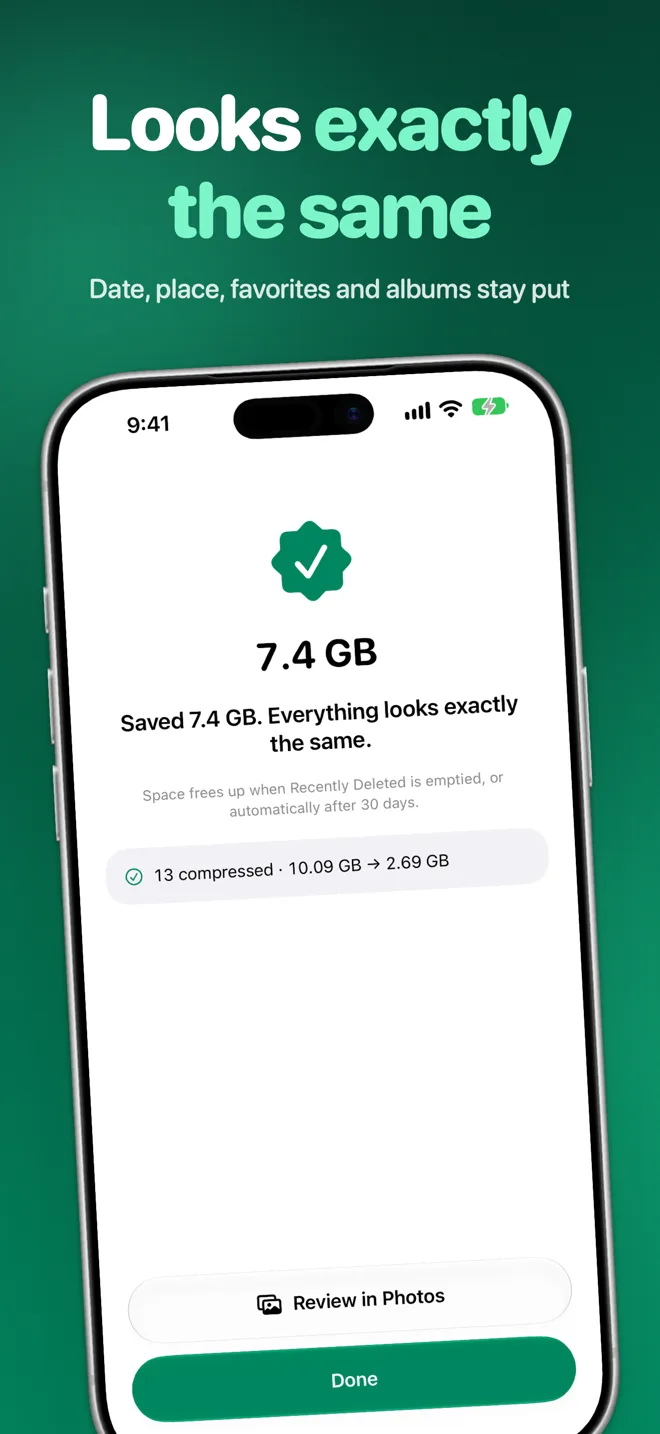
Lean finds the photos and videos that take the most space, re-encodes them in HEIC and HEVC on the device, and replaces each original with its date, place, favorites and albums kept.
- 3 free compressions every week
- Fit a video to 10, 25, 50 or 100 MB and share it
- iPhone and iPad, iOS 17 or later
Before you send it
What is WhatsApp’s video size limit?
WhatsApp’s help center gives 100 MB at 720p by default on faster connections and 64 MB at 480p on slower ones; documents can be up to 2 GB. A 50 MB copy fits under both video limits.
How does Lean fit a video to a size?
Lean writes an HEVC copy at 30 fps with the bitrate that size allows and the largest resolution that still looks clean, then opens the share sheet. The original is never changed or deleted.
Is the video uploaded anywhere?
No. Lean encodes on the iPhone itself. The copy leaves the phone only when you send it.
Get the space back on your iPhone
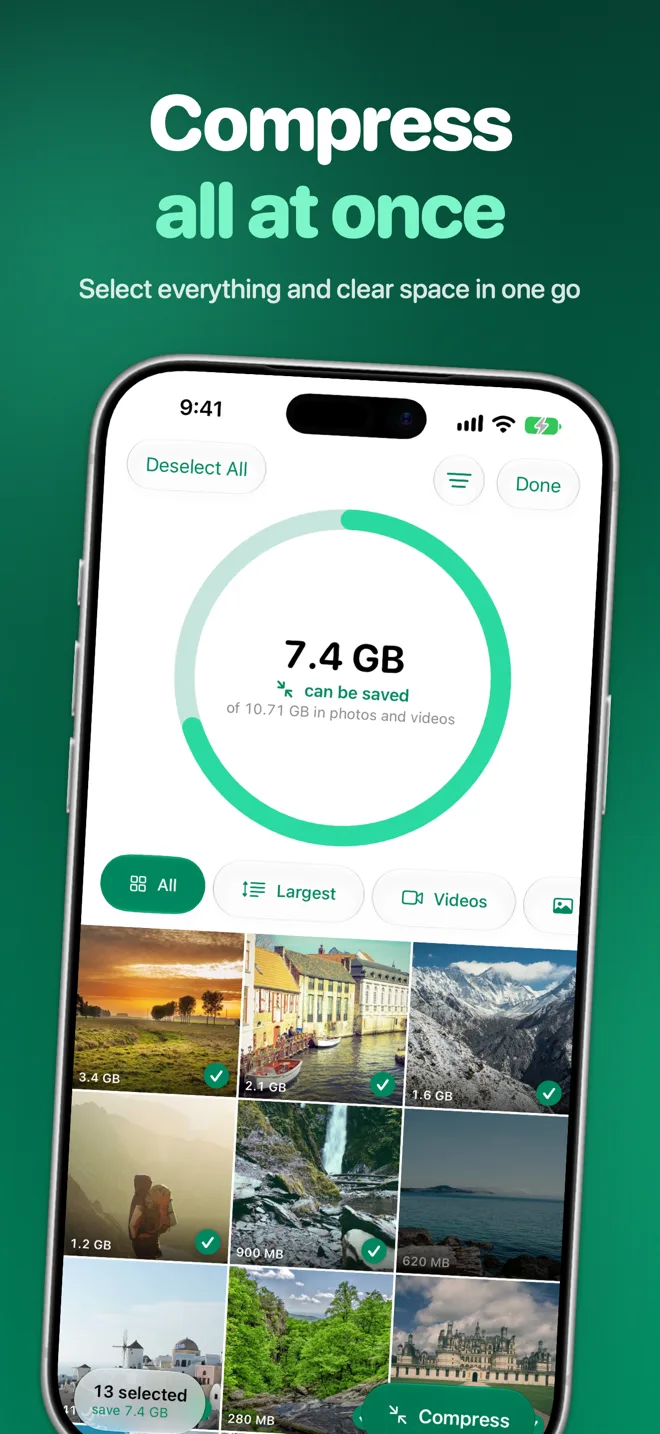
Pick the biggest videos, tap Compress, and Lean re-encodes them in HEVC on the device while you do something else.